
Safe Trade wallet help center
SafeTrade Wallet setup, security and desktop trading guide.
Learn how to download Safe Trade Desktop, create or access a self-custody crypto wallet, protect recovery credentials, manage digital assets and trade supported standard or long-tail crypto markets.
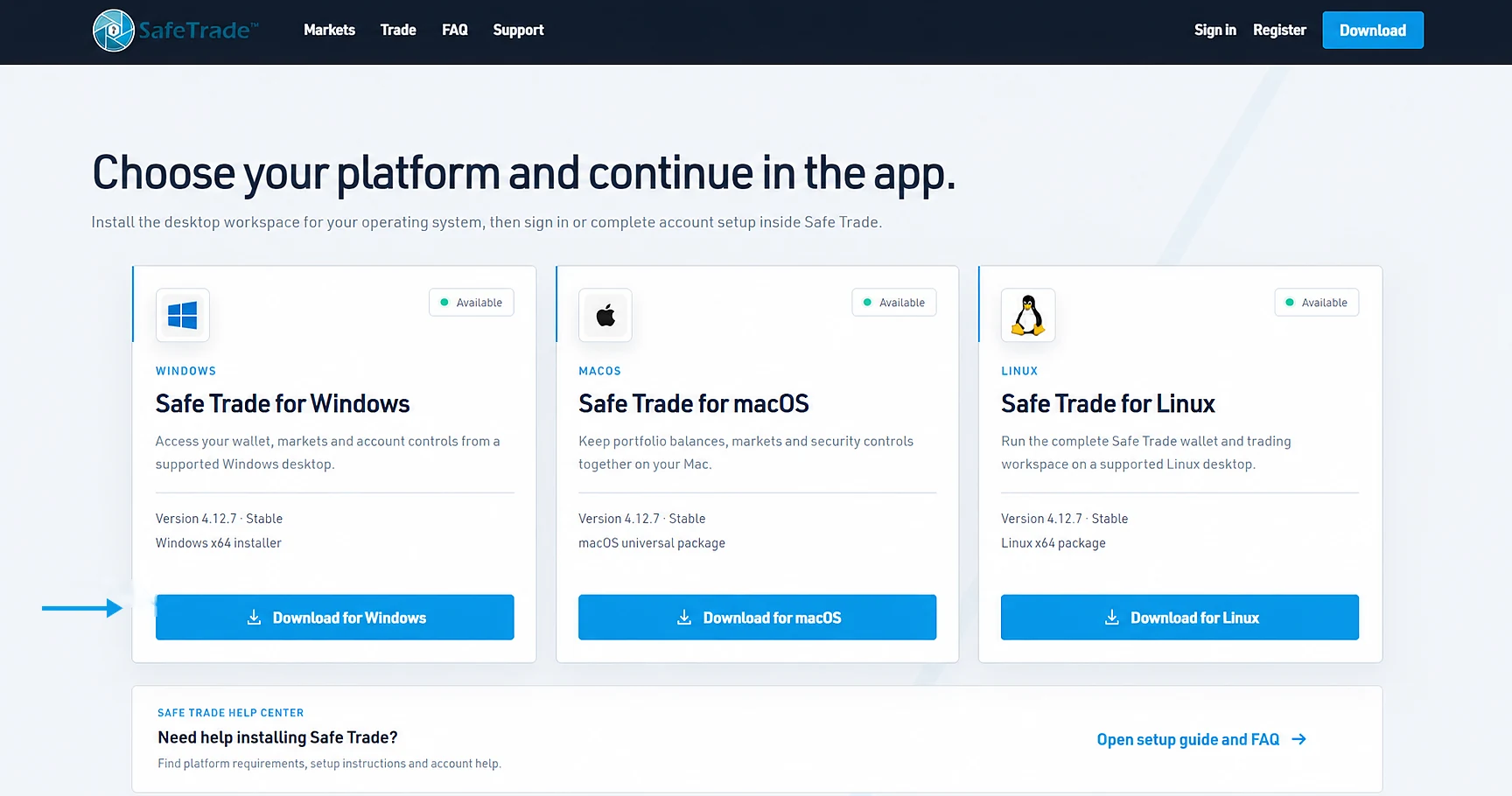
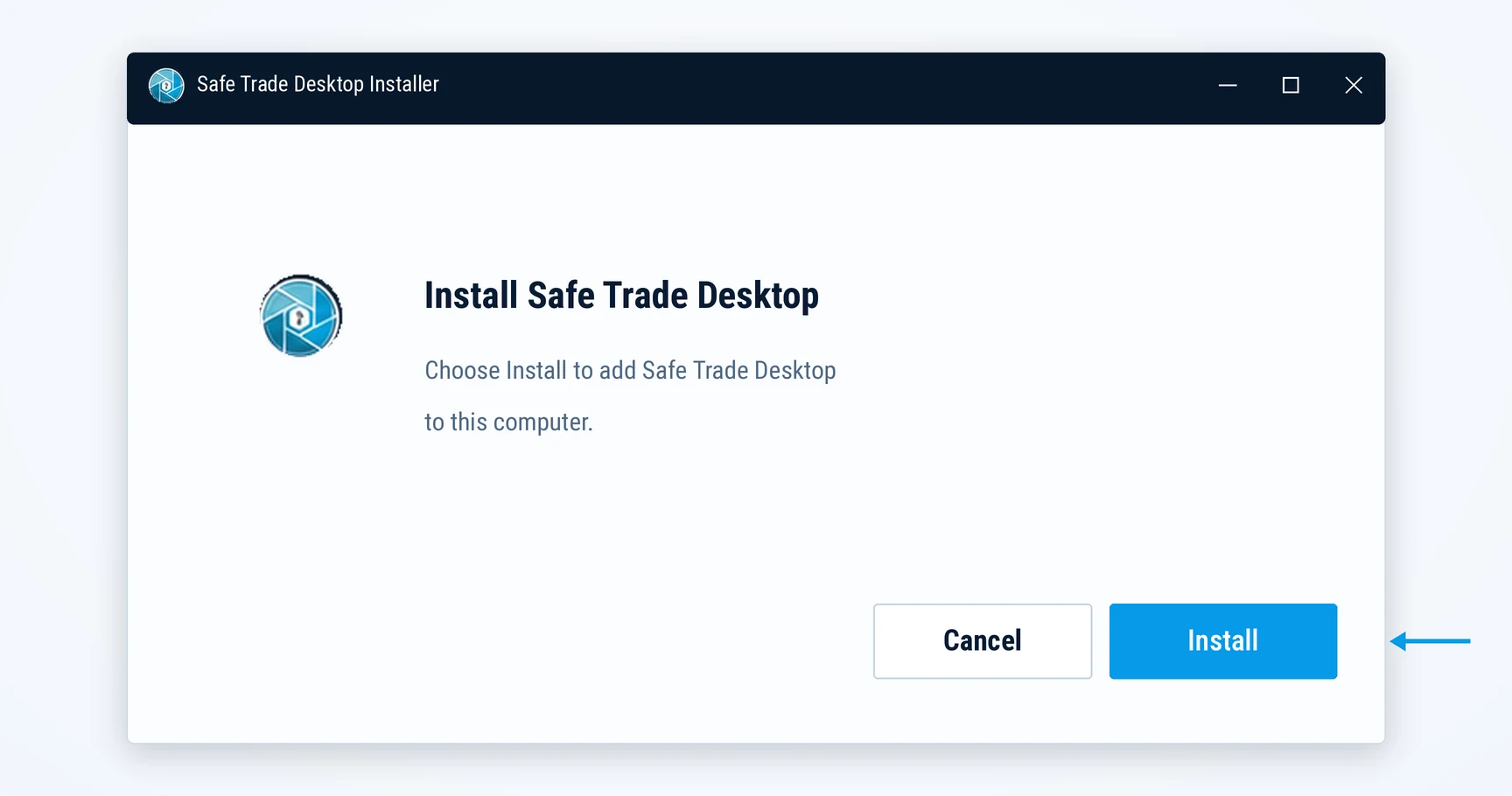
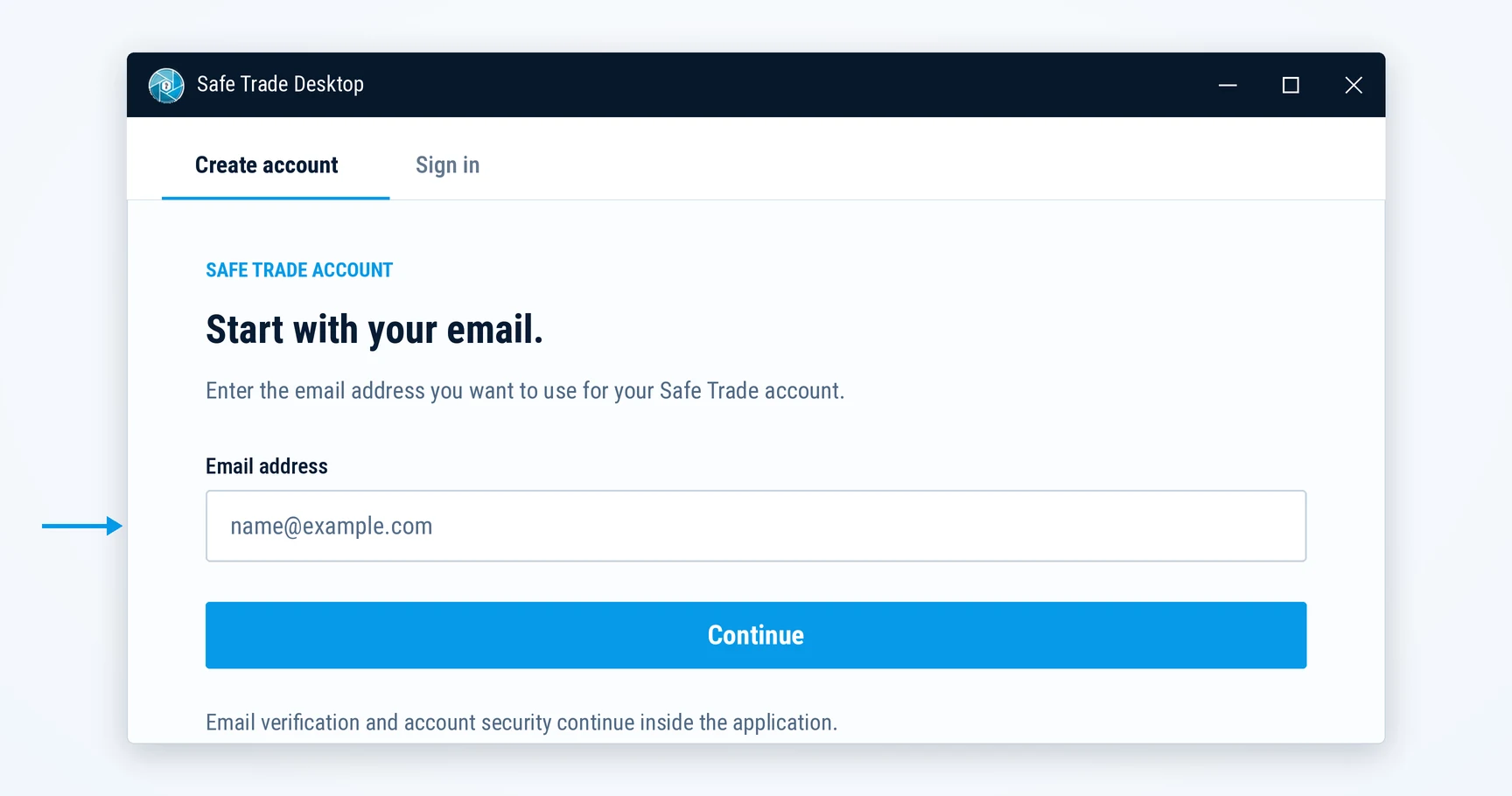
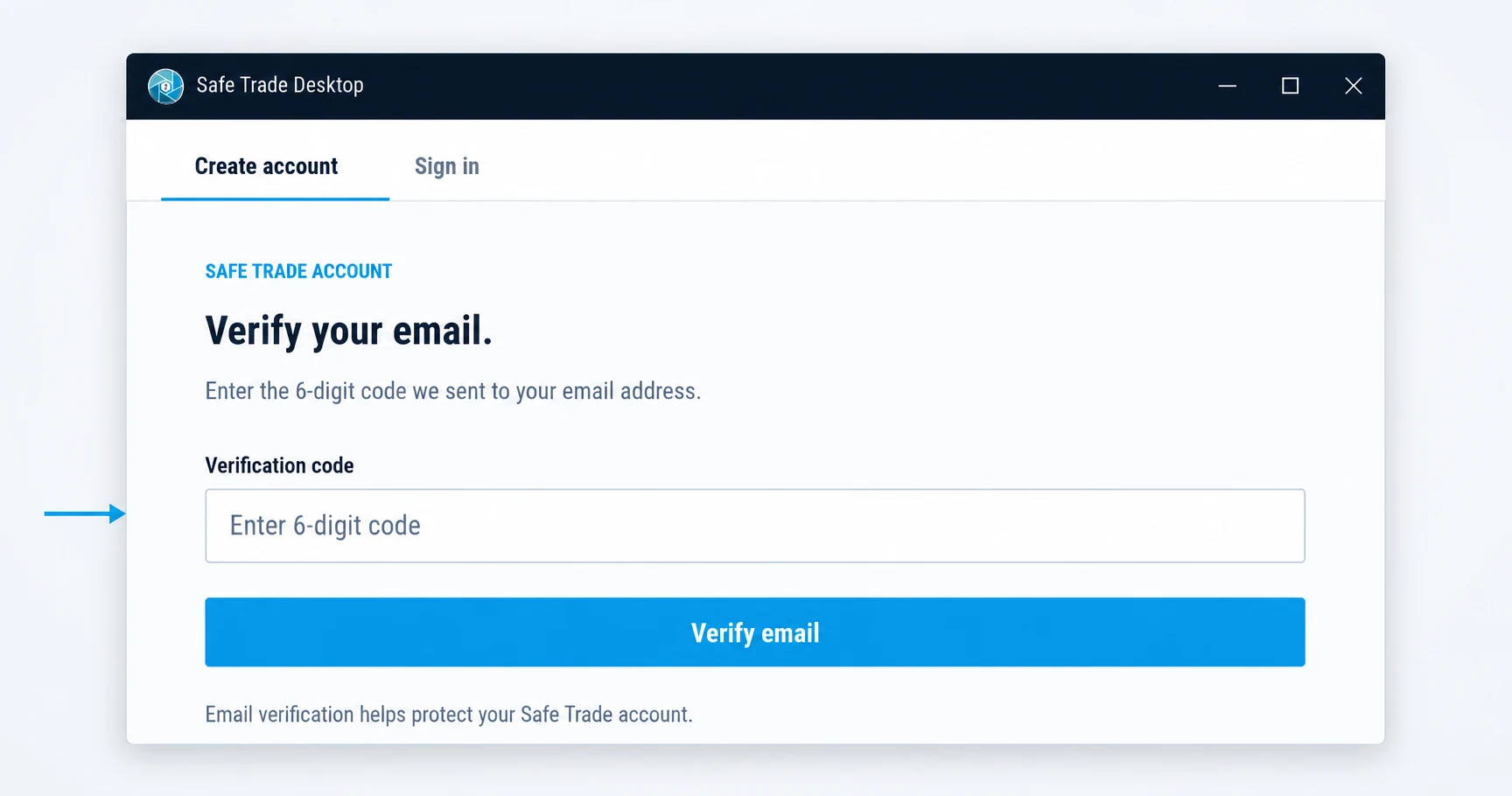
Download, install and set up your SafeTrade Wallet.
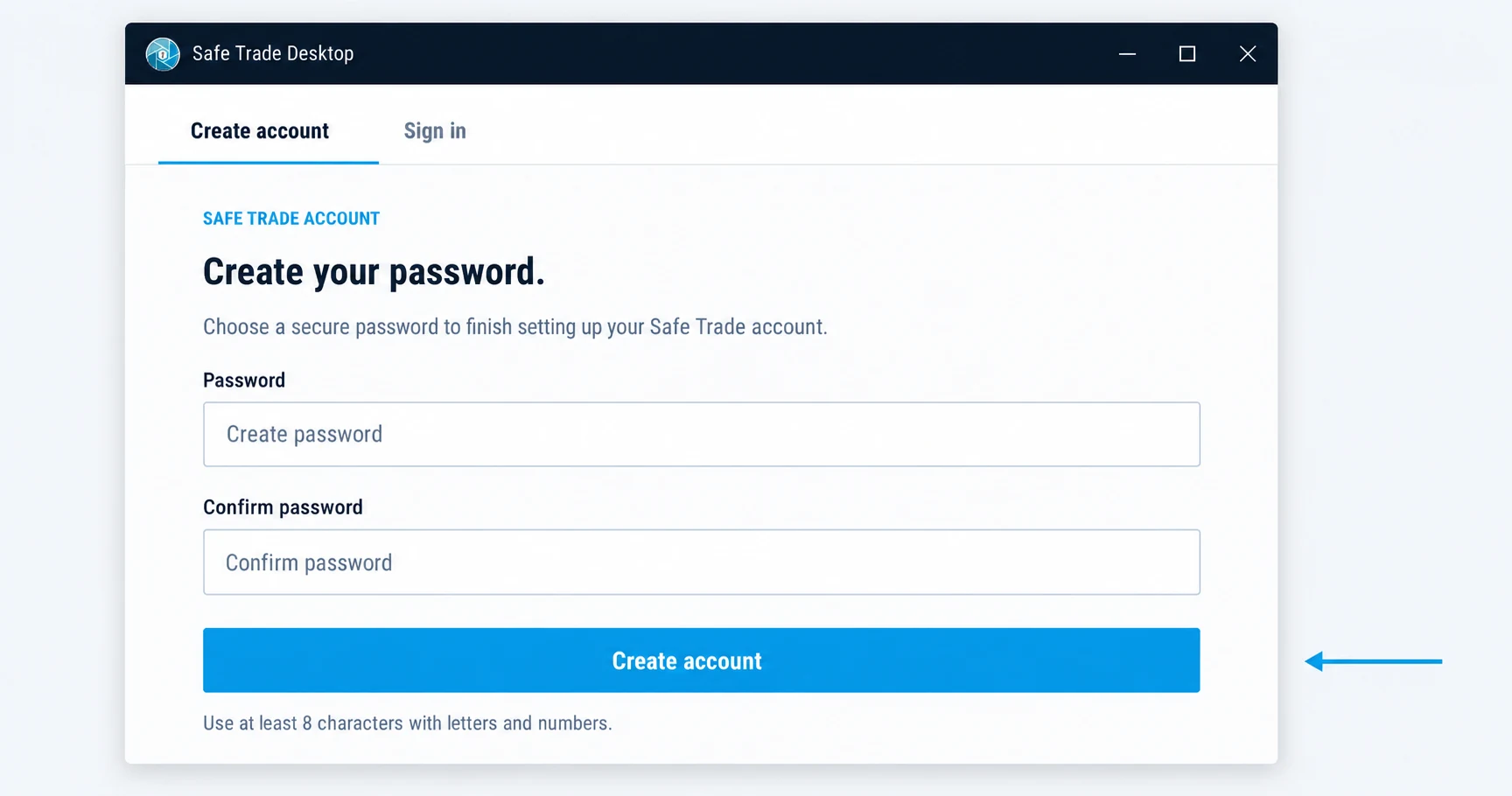
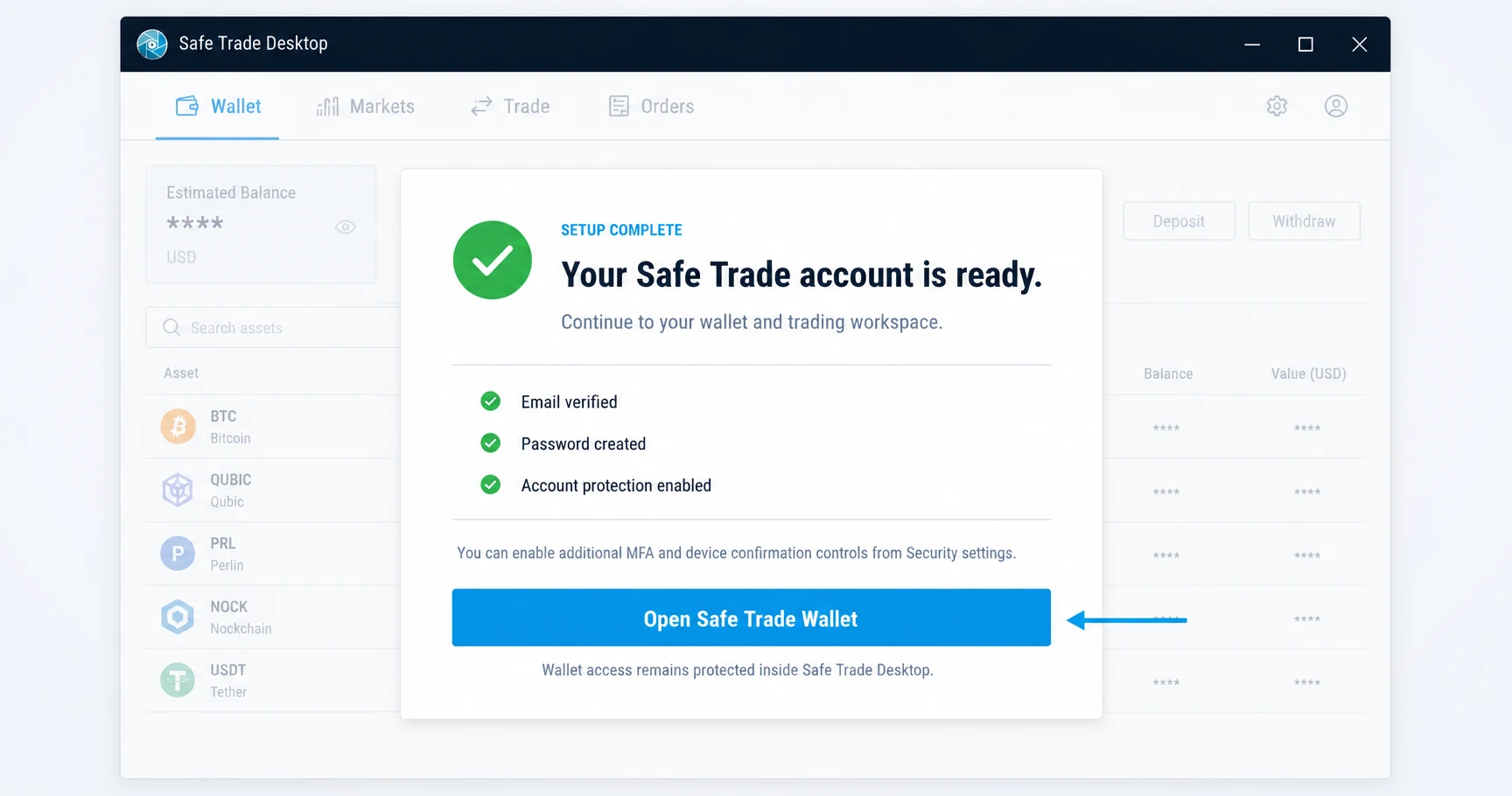
Install Safe Trade Desktop for Windows, macOS or Linux, verify your email, protect your account and open the self-custody wallet and integrated crypto trading workspace.
Safe Trade questions and answers
Find the answer before you continue.
Browse wallet, trading and transfer guidance. For account-specific assistance, use Safe Trade Support or open Help inside the desktop application.
01
Wallet and account
SafeTrade Wallet access and recovery.
Safe Trade Desktop combines a self-custody crypto wallet with access to Safe Trade markets, charts, order books and account controls in one application.
Assets remain on blockchain addresses controlled through the wallet inside Safe Trade Desktop. The website does not hold funds or process wallet keys.
Email verification identifies and protects access to the Safe Trade account. Wallet credentials unlock separately inside an authenticated desktop application session.
Wallet credentials remain encrypted inside Safe Trade Desktop. After reauthentication, you can reveal and export recovery credentials for secure offline storage.
02
Trading and markets
Pairs, orders and the desktop exchange.
Safe Trade provides access to established assets and long-tail crypto markets. Review the current pair directory on the Markets page, then open a pair in the trading workspace or desktop application.
The trading workspace presents Limit, Market and Stop Limit order entry for supported pairs. Review the selected pair, price, amount and total before authorizing an order.
Trading orders use the authenticated account session, while transfers and other on-chain actions require separate wallet authorization inside the application.
Safe Trade Desktop is available for Windows, macOS and Linux. Choose the current package for your operating system from the download section.
03
Transfers and support
Move assets carefully and protect account access.
Deposit and withdrawal controls are available inside Safe Trade Desktop. Confirm the asset, network and destination before submitting a transfer.
Blockchain transfers may be irreversible. Confirm that the selected asset, network and destination are supported before authorizing a transfer.
No. Safe Trade Support will never ask for a recovery phrase, private key, password or two-factor authentication code.
Use the Support button or help icon on the website, or open Help inside Safe Trade Desktop.